
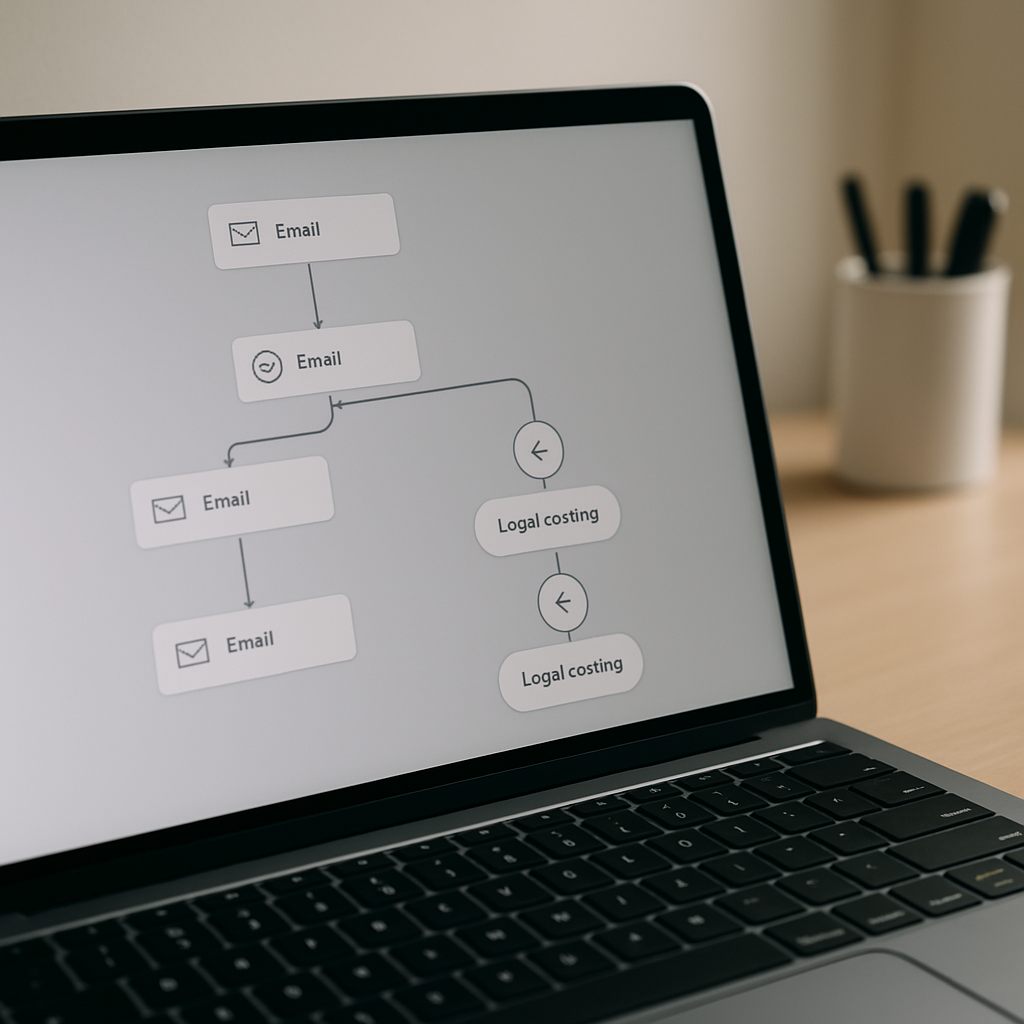
A HubSpot lead nurturing workflow is the difference between a contact list that decays and a revenue engine that compounds. Nurtured leads make 47% larger purchases than non-nurtured leads, and lead nurturing emails generate an 8% click-through rate compared to 3% for general sends.
This post shows you exactly how to build a lead nurturing workflow in HubSpot that converts — not a 10-email drip that gets ignored, but a behavior-triggered sequence that moves contacts from cold to sales-ready without manual follow-up.
What a HubSpot Lead Nurturing Workflow Actually Does
A nurture workflow in HubSpot Marketing Hub is a contact-based automation that enrolls leads who aren’t yet sales-ready and delivers a sequence of relevant touchpoints — emails, internal notifications, property updates, CRM tasks — until the contact either converts to an MQL or disqualifies themselves.
The goal isn’t to send more emails. The goal is to surface sales-ready intent automatically. A well-built nurture identifies the 5–15% of your database ready to buy now and routes them to sales while the other 85% keep warming.
Step 1: Define the Entry and Exit Criteria Before You Write a Single Email
Most bad nurture workflows fail here. They enroll anyone who downloaded anything, never disqualify, and burn the list down in six months.
Entry criteria should be specific:
- Downloaded a specific mid-funnel asset (not “any form submit”)
- Lifecycle stage = Lead, not Customer or SQL
- Matches ICP — company size, industry, persona
- Has email opt-in for marketing communications
Exit criteria should include:
- Lifecycle stage changes to MQL, SQL, Opportunity, or Customer
- Contact books a meeting
- Contact replies to an email (use the “Replied to any email” filter)
- Unsubscribed or bounced
- Engagement score hits your MQL threshold
Set the “Suppress from” field on the workflow to exclude active opportunities and current customers — double-nurturing a signed customer kills trust fast.
Step 2: Map the Nurture Path to a Specific Buyer Question
Each nurture sequence should answer one buyer question, not cover your whole product. Good nurture paths usually follow this shape:
- Awareness asset — the problem is real, here’s how to spot it
- Education email — here are the frameworks to evaluate solutions
- Consideration asset — case study or comparison guide
- Social proof — customer story or quote-based testimonial
- Decision asset — ROI calculator, pricing overview, or demo invite
- Direct CTA — book a call with a sales rep
Plan the full sequence before you build anything in HubSpot. Write every email, map every branch, decide every delay. Building in HubSpot is the last step.
Step 3: Build the Workflow in HubSpot Marketing Hub
In HubSpot, go to Automation → Workflows → Create workflow → Contact-based. Name it with a convention that scales: “Nurture — [Persona] — [Funnel Stage] — [Asset]” so you can find it in a year.
Key settings I configure on every nurture:
- Enrollment trigger — use “Form submission” for a specific form, or “Contact property is equal to…” for a lifecycle or behavior-based entry
- Re-enrollment — usually off for nurture. You don’t want the same contact cycling through the same sequence repeatedly.
- Goal — set a goal (MQL stage, meeting booked) so HubSpot reports conversion from the workflow automatically
- Suppression — exclude customers, opportunities, unsubscribes
- Business hours / send times — set send windows (e.g., 8am–5pm recipient time zone, weekdays only) to avoid nurture emails landing at 3am on a Sunday
Step 4: Use Delays and Branching, Not Just a Linear Drip
Linear drips treat every lead the same. Modern nurture workflows branch based on behavior — opens, clicks, page views, form submissions.
Basic branch logic I add to every nurture:
- After email 1 sent, wait 3 days → branch on “Opened email 1?”
- Opened → send a more specific follow-up tied to the email topic
- Not opened → send a different subject line variant (same content, different hook)
- Clicked a specific link → route to a sub-workflow tailored to that interest
- Visited the pricing page → immediately alert the owner via internal email or Slack notification
You don’t need 30 branches. You need 3–5 that match real buying signals.
Step 5: Score Engagement and Route to Sales
Every nurture workflow should feed a HubSpot lead scoring property. Points for behaviors (opened email = 2, clicked = 5, visited pricing page = 15, booked demo = 100), subtracted points for disqualifiers (role changed to “student,” company too small).
When the score crosses your MQL threshold, trigger a second workflow that:
- Sets lifecycle stage to MQL
- Creates a task for the assigned sales rep in HubSpot CRM
- Posts a notification to the sales team’s Slack channel
- Removes the contact from the nurture
This is the handoff layer that turns a marketing nurture into pipeline. Without it, you’re just sending emails.
Step 6: Measure the Right Metrics
Vanity metrics — open rate, click rate — don’t tell you if the nurture works. Track:
- Workflow goal completion rate — % of enrolled contacts that hit the goal (MQL, meeting booked)
- Time to goal — average days from enrollment to goal completion
- Exit reason breakdown — how many exited via conversion vs. unsubscribe vs. disqualification
- Revenue influenced — deal amount closed on contacts that touched this workflow (use HubSpot’s attribution reporting)
A healthy nurture sees 10–25% goal completion over 90 days. If yours sits under 5%, the issue is usually entry criteria (wrong people) or asset quality (not the delivery).
Frequently Asked Questions
How long should a HubSpot lead nurturing workflow be?
For a mid-funnel B2B nurture, 5–8 emails over 4–6 weeks hits the sweet spot. Shorter sequences don’t give leads enough time to warm. Longer sequences have diminishing returns — if a lead hasn’t engaged by email 8, they’re not going to engage by email 15. For slow-cycle enterprise sales, you can extend to 10–12 emails over 60–90 days, but add behavior-based branching so you’re not just spamming.
What’s the difference between HubSpot workflows and sequences?
Workflows live in Marketing Hub and automate one-to-many nurture at scale — they can enroll thousands of contacts and branch based on behavior. Sequences live in Sales Hub and are one-to-one — a rep manually enrolls a specific contact in a multi-step outreach. Use workflows for nurture and lifecycle automation. Use sequences for active sales outreach where personalization matters per-contact.
Can you A/B test lead nurturing emails in HubSpot?
Yes, on Marketing Hub Professional and Enterprise. Inside the email editor, click the A/B test option to test subject lines, send times, or full email variants. Variant split defaults to 50/50 but you can adjust. HubSpot auto-sends the winner to the remainder of the list after the test period.
How do you prevent nurture emails from hitting customers?
Three layers. First, on the workflow, use the “Suppress from” setting to exclude contacts in lifecycle stages Customer, Opportunity, or SQL. Second, set a global “Marketing contacts” rule so current customers are flagged non-marketing automatically. Third, build a “Customer suppression list” in HubSpot and exclude it from all marketing sends via the email tool. Any one of these alone isn’t bulletproof — use all three.
Should every lead get nurtured?
No. Leads that fall outside your ICP (wrong industry, too small, too large, wrong geography) should be disqualified at capture, not dripped on for six months. Build ICP filter criteria into your form processing workflows — if they don’t match, set lifecycle stage to “Other” and exclude from all marketing sends.
Build a Nurture That Actually Produces Pipeline
The difference between a nurture workflow that drives revenue and one that just sends emails is the quality of the entry criteria, the specificity of the path, and the handoff to sales. Get those three right and the rest is execution.
Already on HubSpot but not seeing the results you expected from nurture? That’s usually a configuration issue, not a HubSpot issue. Let’s audit what’s slowing you down and fix it.