
HubSpot workflow automation is where the platform pays for itself — teams using HubSpot Workflows save an average of 2.5 hours per person per day on manual tasks, and companies with mature automated nurture programs generate 50% more sales-ready leads at 33% lower cost. But most HubSpot portals I walk into are using 10% of the Workflows tool’s capability. This guide covers how to actually build automation that drives revenue — not just emails that go out on a schedule.
HubSpot Workflows run across all hubs: Marketing Hub for lead nurturing, Sales Hub for deal automation, Service Hub for ticket routing, and Operations Hub for data sync and field management. The concepts are the same regardless of which hub you’re building in.
How HubSpot Workflows Actually Work
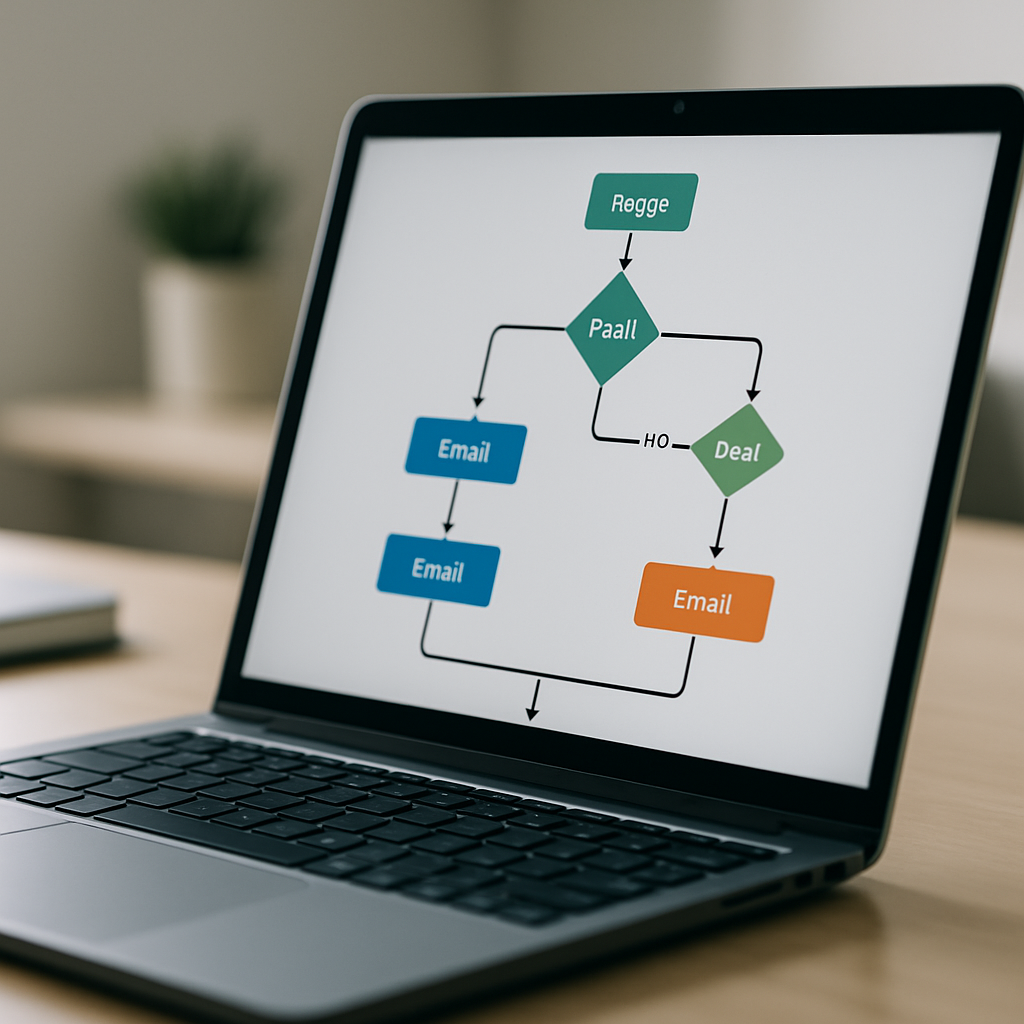
Every workflow in HubSpot has three components:
- Enrollment trigger — the condition that adds a contact, company, deal, or ticket to the workflow. Examples: a form submission, a contact property reaching a specific value, a deal stage change, a date relative to a lifecycle stage.
- Actions — what happens once enrolled. Send an email, update a property, create a task, rotate a lead to a rep, add to a list, delay for a set period, branch based on conditions.
- Unenrollment criteria — when the contact should exit. This prevents contacts from receiving irrelevant follow-ups after they’ve already converted.
The key insight: workflows don’t just automate communication. They automate data — updating lifecycle stages, scoring leads, cleaning properties, routing contacts to the right team at the right time.
5 HubSpot Workflows Every B2B Team Needs
1. Lead Nurture Sequence
Enrollment trigger: Contact becomes a Lead (lifecycle stage = Lead) OR submits a content download form.
Actions: 4–6 emails over 3–4 weeks, each delivering value on a related topic. Between emails, delay actions of 3–5 days. Branch on “opened last email” to send a different follow-up to engaged vs. unengaged contacts.
Goal: Move leads to MQL status. Unenroll when lifecycle stage changes to MQL or Customer.
2. Lead Rotation and Task Creation
Enrollment trigger: Contact lifecycle stage = MQL.
Actions: Rotate contact to a sales rep (HubSpot’s round-robin Rotate action), set Contact Owner, create a follow-up task assigned to that rep with a 24-hour due date, send an internal notification email to the assigned rep.
Goal: Ensure no MQL goes unworked for more than 24 hours. This workflow alone closes the gap between marketing and sales handoff that kills most pipelines.
3. Deal Stage Follow-Up
Enrollment trigger: Deal stage changes to “Proposal Sent” (or your equivalent).
Actions: Wait 3 days. If deal stage is still “Proposal Sent” (meaning no response), create a task for the deal owner to follow up. Wait another 4 days. If still no change, send a second task and an internal alert.
Goal: Deals don’t stall silently. Every deal that goes quiet gets a nudge.
4. Customer Onboarding Sequence
Enrollment trigger: Deal stage = Closed Won.
Actions: Update lifecycle stage to Customer, send welcome email from the account manager, create onboarding tasks in sequence (kickoff call scheduled, data sent, training booked), set up a 30-day check-in reminder.
Goal: Consistent onboarding experience without relying on reps to remember every step.
5. Data Quality Maintenance
Enrollment trigger: Contact created OR Contact property “Company Name” is unknown.
Actions: Use HubSpot’s Data Formatting actions (Operations Hub) to standardize phone number format, capitalize name fields, set default values for required properties.
Goal: Every new contact enters the CRM in clean, consistent format — no manual cleanup needed.
Workflow Mistakes That Kill Automation ROI
The most common issues I fix in broken HubSpot portals:
- No unenrollment criteria — contacts stay enrolled after converting, get irrelevant emails, and unsubscribe
- Overlapping enrollment triggers — a contact can enroll in three different nurture workflows simultaneously because nobody thought through the full trigger logic
- Workflows built without testing — using live contacts on an untested workflow sends incorrect emails to real people. Always test with a dummy contact first.
- Action delays that are too short — sending 6 emails in 6 days burns your sending reputation and exhausts your audience. Space sequences out properly.
- No workflow owner — workflows built by someone who left the company, never updated, quietly running with broken logic for 18 months
Using Workflow Branching to Personalize at Scale
The If/Then Branch action is what separates sophisticated automation from basic drip sequences. Use it to:
- Send different content based on industry, company size, or persona
- Route contacts differently based on lead score
- Check if a contact already has an open deal before sending a sales outreach email
- Deliver different follow-ups to contacts who opened your last email vs. those who didn’t
HubSpot’s Workflow documentation covers every available action type — bookmark it as a reference for building branches.
Frequently Asked Questions
What’s the difference between HubSpot Sequences and Workflows?
Sequences are one-to-one, sales-rep-initiated email series sent from a rep’s individual inbox — used for personalized outreach to a defined prospect list. Workflows are automated, system-level logic that runs without rep involvement — used for lead nurturing, lifecycle stage changes, internal notifications, and data management. Most B2B teams need both: Workflows for marketing automation and top-of-funnel nurture, Sequences for direct sales outreach to engaged prospects.
How many workflows should a HubSpot portal have?
There’s no right number — it depends on your sales and marketing complexity. A simple B2B company might run 10–20 workflows effectively. A mature RevOps setup with multi-hub automation might have 50–100+. The risk isn’t having too many; it’s having workflows that overlap, conflict, or haven’t been reviewed in 12+ months. Audit your active workflows quarterly and archive anything that isn’t serving a current business purpose.
Do I need Operations Hub for advanced automation?
For basic lead nurturing, deal automation, and internal notifications, you don’t need Operations Hub — those run on Marketing and Sales Hub. Operations Hub unlocks data formatting actions (standardize and clean property values automatically), custom-coded actions (run JavaScript inside a workflow), and programmable automation. If you’re managing data quality at scale or need custom logic that exceeds HubSpot’s standard action library, Operations Hub is worth it.
Can HubSpot Workflows send emails from a sales rep’s address?
Workflows can send emails that appear to come from the Contact Owner — meaning the email displays the rep’s name and address in the “From” field. This requires the rep’s inbox to be connected to HubSpot. It’s one of the most effective automation setups for B2B: automated emails that look like they came directly from a specific rep, with no rep effort required.
How do I know if my workflows are performing?
Every HubSpot Workflow has a built-in performance view showing enrollment count, email open and click rates, goal completion rate, and unenrollment breakdown. Review this monthly. Key signals of an underperforming workflow: goal completion rate below 5%, email click rate below 1%, or high unenrollment from “met unenrollment criteria” early in the sequence — which usually means the trigger is too broad.
Stop Leaving Automation ROI on the Table
Most teams using HubSpot are getting 20% of the value the Workflows tool can deliver. The gap is almost always in how workflows are designed — missing unenrollment logic, no branching, no data management automation, and nurture sequences that run for years without review.
If your HubSpot portal has workflows that nobody owns and nurture sequences that haven’t been touched in 18 months, let’s talk. Our HubSpot optimization services include a full workflow audit and rebuild — so your automation actually moves deals forward.
Need expert help implementing HubSpot the right way? Work with Your HubSpot Expert — we handle setup, automation, and ongoing support so your team actually gets results.